Introduction of GitHub
GitHub is a cloud-based platform that helps developers store, manage, and track changes to their code. It combines the power of Git — a version control system — with a collaborative interface that makes teamwork across distributed teams possible. Whether you are building a solo project or contributing to a large open-source codebase, GitHub provides the tools to manage your work effectively.
Key Features of GitHub:
- GitHub enables large-scale version control, letting teams track every change made to a project over time.
- It supports both public and private repositories, making it suitable for open-source projects and proprietary software alike.
- GitHub offers paid plans with additional features like advanced security, larger storage, and team management tools.
How to Start with GitHub?
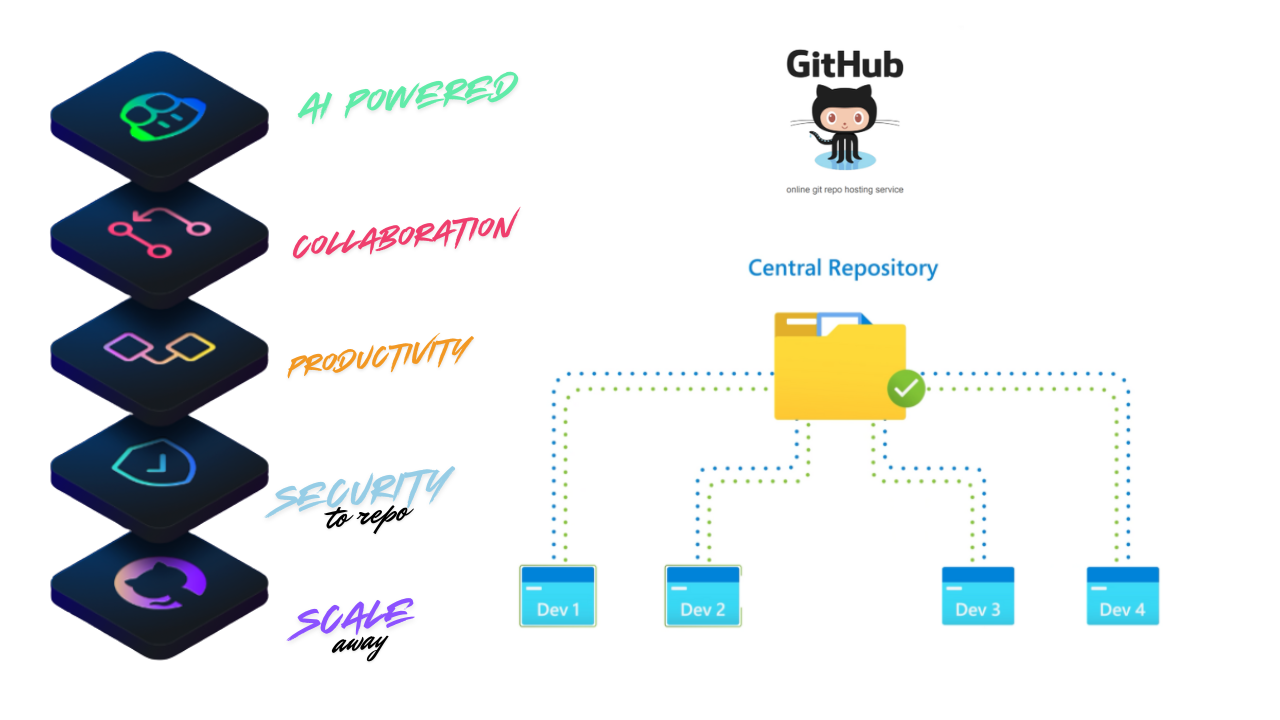
As a developer, you often want to share your work, get feedback, and collaborate with others. GitHub makes this possible by providing a central place where code can be hosted, reviewed, and improved together. Instead of emailing files back and forth, teams can work on the same codebase simultaneously without overwriting each other's work.
Other platforms that offer similar functionality include Bitbucket, GitLab, and Azure Repos. Each has its strengths, but GitHub remains the most widely adopted platform for hosting open-source projects and developer portfolios.
Consider a team building an e-commerce website. Developer 1 works on the product listing page, Developer 2 handles the checkout flow, and Developer 3 builds the user authentication system. Each developer works on their own copy of the codebase locally. When their feature is ready, they push the changes to the shared remote repository on GitHub. A senior developer then reviews the code through a pull request and merges it into the main branch, making the new features available to everyone.
What is Git?
Git is the engine that powers GitHub. It is a free, open-source distributed version control system created by Linus Torvalds in 2005. Torvalds originally built Git to manage the development of the Linux kernel, which required a system that could handle thousands of contributors efficiently.
Git tracks changes to files over time, allowing developers to revisit earlier versions of their code, understand what changed and when, and coordinate work across a large team without conflicts.
What is a Version Control System?
Imagine you are working on a project and you accidentally delete an important function. Without version control, recovering that code would be difficult or impossible. A version control system (VCS) acts like a detailed history log — every change you make is recorded, along with who made it and when. You can roll back to any earlier state at any point.
Git is a distributed version control system (DVCS), which means every developer has a full copy of the project history on their local machine. This makes it faster and more resilient than older centralized systems.
Core Git Terminology:
| Keyword | Terminology | Description |
|---|---|---|
| VCS | Version Control System | Tracks changes to a collection of files over time |
| SCM | Software Configuration Management | Another term for VCS; earlier systems like CVS and SVN used centralized servers |
| DVCS | Distributed Version Control System | Each developer holds a full copy of the project history locally and remotely |
| Working Tree | Tree | The current state of files in your active project directory |
| Repo | Repository | The top-level folder where Git stores all project history and records |
| Bare Repo | A repository without a working tree, typically used for remote backups; ends with .git | |
| Hash | 160-bit SHA-1 | A unique identifier generated for each commit to detect changes |
| Object | Git has 4 object types | Tree (directories), Blob (file contents), Commit (snapshots), Tag (named references) |
| Commit | A saved snapshot of changes at a point in time | |
| Branch | A series of linked commits | An independent line of development; the latest commit is called HEAD |
| Remote | A reference to a Git repository hosted on another machine or server | |
| Git Commands | See our Git Commands Cheatsheet for practical examples |
Ready to start using Git? Check out our comprehensive Git Commands Cheatsheet with 50 essential commands and real examples. We also recommend Learn Git Branching — an interactive visual tool to practice Git in a gamified environment.
Why Learn GitHub?
GitHub builds on top of Git by adding a visual interface, collaboration features, and a large developer community. Here is why learning GitHub is valuable:
- Industry standard — The majority of open-source projects and many private companies use GitHub to manage their codebases.
- Portfolio visibility — Your GitHub profile acts as a public portfolio that employers and collaborators can view.
- Collaboration tools — Features like pull requests, code reviews, and issue tracking make teamwork structured and transparent.
- Automation — GitHub Actions allows you to automate repetitive tasks like testing, building, and deploying your application.
- Community — GitHub hosts millions of open-source projects, making it a great place to learn from real codebases and contribute to projects you use.
The typical GitHub workflow looks like this: you clone a repository to your local machine, create a new branch for your feature, make and commit your changes, push the branch to GitHub, and then open a pull request asking the project maintainer to review and merge your work.
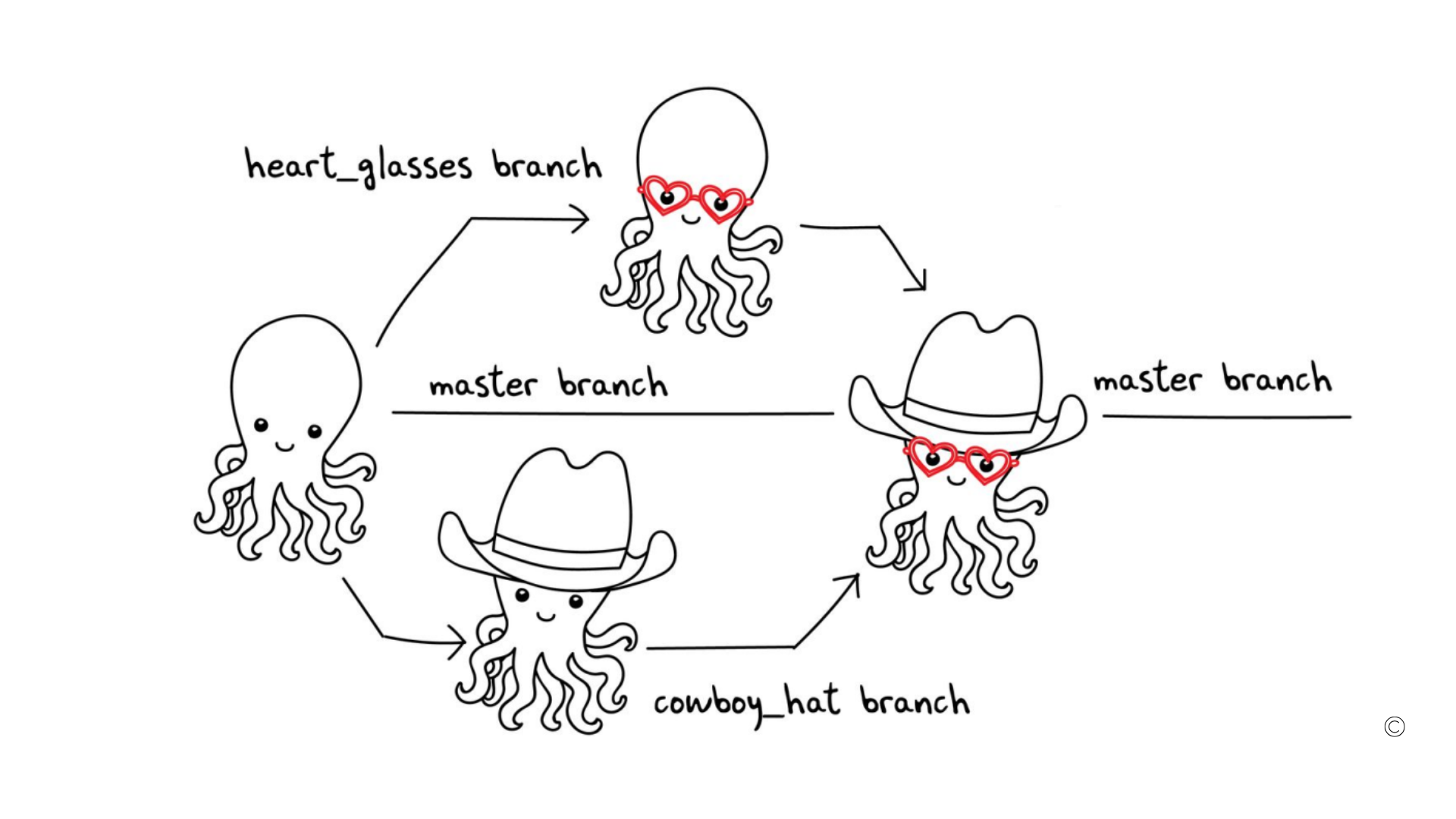
Core GitHub Concepts:
| Feature | Description |
|---|---|
| Issues | A place to report bugs, request features, or track tasks |
| Discussions | A space for community conversations and questions |
| Pull Requests | A request to merge your changes into the main codebase after review |
| Labels | Tags used to categorize issues and pull requests (e.g. bug, enhancement) |
| Actions | Automation workflows that run on events like push or pull request |
| Forks | A personal copy of someone else's repository under your own account |
A fork is useful when you want to contribute to a project you do not have direct write access to. You fork the repository, make your changes in your own copy, and then submit a pull request to the original project.
Watch the Video Tutorial
Conclusion
GitHub is far more than a place to store code — it is a complete platform for software collaboration, project management, and automation. By learning GitHub, you gain a skill that is relevant across every area of software development, from personal projects to large enterprise teams. In the next tutorial, we will walk through how to create your first GitHub repository and push your local project to it using Git.